Mobile Rank Tracker & Checker
Check where your website really ranks on phones, then track it over time. Compare mobile against desktop positions, monitor any city, and pay only for the checks you run — no subscription.
Why Mobile Rankings Matter More Than Ever
Mobile-First Indexing Reality
Google uses the mobile version of your content for indexing and ranking. With mobile-first indexing fully rolled out, what Google sees on a phone is what decides where you rank — even for desktop searchers. If your mobile pages load slowly, hide content, or break layouts, your rankings suffer everywhere.
That makes mobile positions the ones you can least afford to guess at. A mobile rank checker shows you the results Google actually serves to phone users, so you can measure the version of your search presence that matters most.
Both Devices, One View
Mobile and desktop results are built separately and can differ significantly. Track the same keyword on both devices from one account and see exactly where the two sets of rankings diverge — and which device is sending you traffic.
Location-Aware Mobile Checks
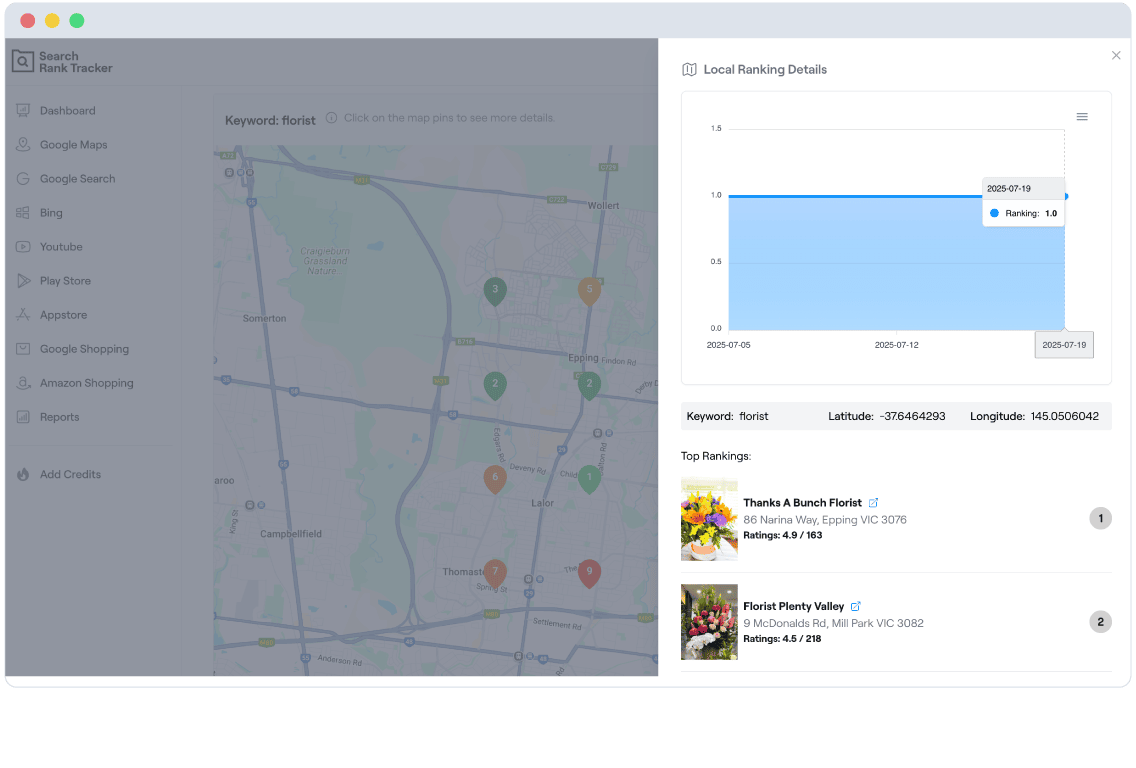
Phone searches carry strong local intent, and Google answers them with location-specific results. Every check you run is tied to the exact country, state, or city you choose, so the positions you see match what a searcher standing there would get.
Mobile vs Desktop: Why Your Rankings Differ
The same keyword, searched from the same city, can return noticeably different results on a phone than on a desktop. That isn't a glitch — Google composes each page for the device in hand. Three differences matter most:
Local Packs Appear More Often
Mobile searches lean heavily local — "near me" queries and implicit local intent trigger the map pack on phones for many keywords that show plain organic results on desktop. When a local pack sits above you on mobile, your "position 1" is effectively position 4. If local visibility drives your business, pair this page with our local rank tracker to see where you stand inside the map pack itself.
Less Above-the-Fold Real Estate
A phone screen fits far fewer results than a desktop monitor. Ads, AI overviews, featured snippets, and "People also ask" boxes can fill the entire first screen on mobile, pushing the first organic result a full swipe down. A ranking that looks comfortable on desktop can be practically invisible on a phone — which is why the position number alone never tells the whole story.
App Results in the SERP
For some queries, Google's mobile results include apps and deep links into app content — results that simply don't exist on desktop. Those entries compete with your web pages for the same screen. Note this is different from how your app ranks inside the App Store or Google Play; for that, use our app rank tracker.
The practical takeaway: never assume your desktop position holds on phones. Check both, for the locations that matter to you, and treat any gap between them as a signal — it usually points to a SERP feature, a local pack, or a mobile experience problem you can actually fix.
How to Check Mobile Rankings by City
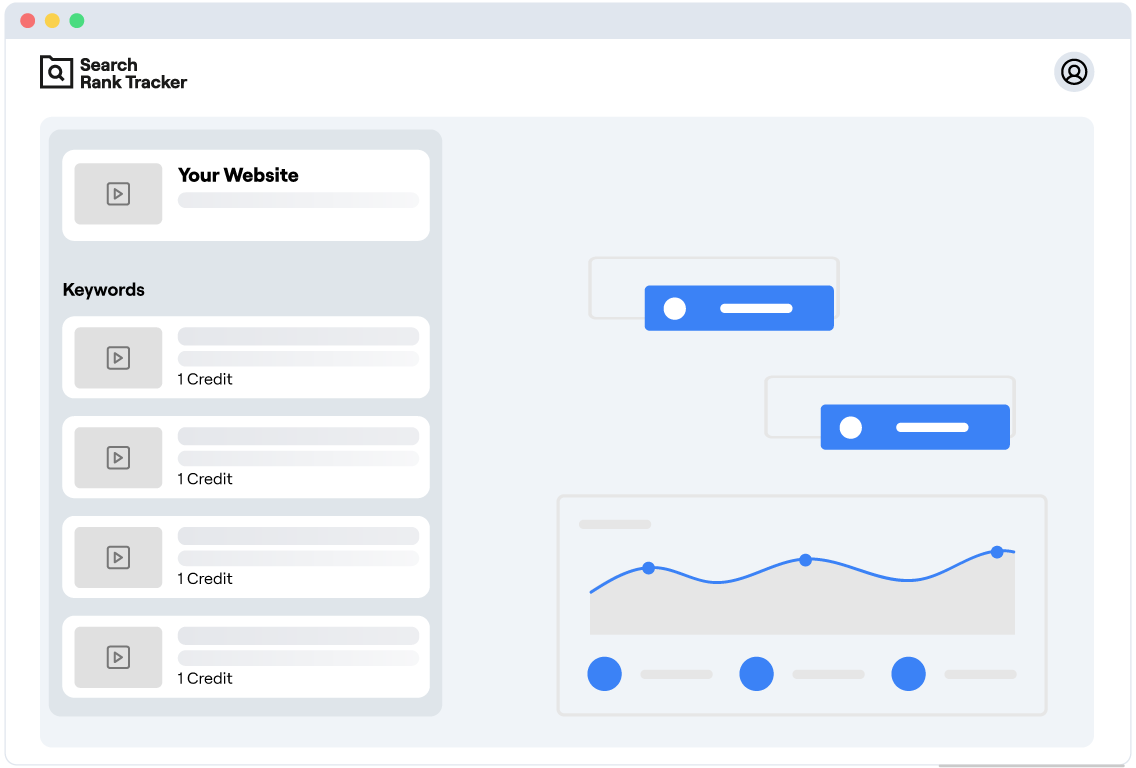
Three steps from signup to a live mobile position — no software to install, no subscription to commit to.
Add your keyword and website
Enter the keyword you want to check and the domain you expect to rank for it.
Pick a location and choose mobile
Set the country, state, or city you care about and select mobile as the device, so results match what a phone user in that place sees.
See your live positions
We query live Google mobile results and show your exact position — then keep re-checking on a schedule if you choose to track the keyword over time.
Because every check is pinned to a specific place, you can run the same keyword for several cities and compare them — useful when a campaign performs in one market but not another, or when a multi-location business needs proof of visibility in each service area.
Track Mobile Rankings Over Time
A single check is a snapshot: it tells you where you stand today. But mobile results move constantly — algorithm updates, new competitors, and shifting SERP features can change your position from one week to the next. The real value comes from tracking mobile rankings continuously, so a one-day dip and a month-long slide look as different as they actually are.
Turn any check into a tracked keyword and we'll re-check it on the schedule you choose, building a history you can act on.
History Charts Per Keyword
Every tracked keyword gets a day-by-day position chart, so you can tie ranking moves back to the content changes, link building, or site work that caused them.
Alerts When Positions Move
Get an email when a tracked keyword changes position, so you catch a mobile drop the day it happens — not when the traffic report lands at the end of the month.
Pay-Per-Check Flexibility
Credits, not subscriptions. Track three keywords or three hundred, on mobile, desktop, or both — you only pay for the checks you actually run, and free signup includes 100 credits to start.
Mobile Search Statistics You Can't Ignore
of Google searches now happen on mobile devices
is where the overwhelming majority of mobile clicks happen — few searchers ever scroll past it
positions capture the largest share of clicks on mobile, where fewer results fit on each screen
Mobile rank tracker FAQ
Google builds mobile and desktop results separately. On a phone, the local pack, ads, and other SERP features appear for more queries and take up more of the screen, and with mobile-first indexing Google ranks the mobile version of your pages. The same keyword can easily sit several positions apart on the two devices.
Yes. Mobile rank tracking follows where your website ranks in Google search results on mobile devices. App rank tracking follows where your app ranks inside the App Store or Google Play. If you want to monitor an app rather than a website, use our app rank tracker instead.
Each check queries live Google results using a mobile device profile and the exact location you choose, through a professional SERP data provider. You see the positions a real mobile searcher in that place would see, not a cached or personalized result.
Yes. You can set any country, state, or city as the location for each keyword, so you can follow how a keyword ranks on mobile in one city separately from another. This is especially useful for local businesses, since mobile searches often carry local intent.
Start Checking Your Mobile Rankings Today
Don't let mobile ranking blind spots hurt your search visibility. Sign up free, get 100 credits, and see exactly where your site ranks on phones — by keyword, by device, and by city.
Get started with 100 free credits