YouTube Rank Tracker
Track your YouTube video rankings across devices, locations, and keywords. See exactly how your videos perform, uncover gaps, beat competitors, and reach the right audience with precision data.
Beat the YouTube Competition Without Breaking the Bank
Ditch Subscriptions and Go Pay-As-You-Go
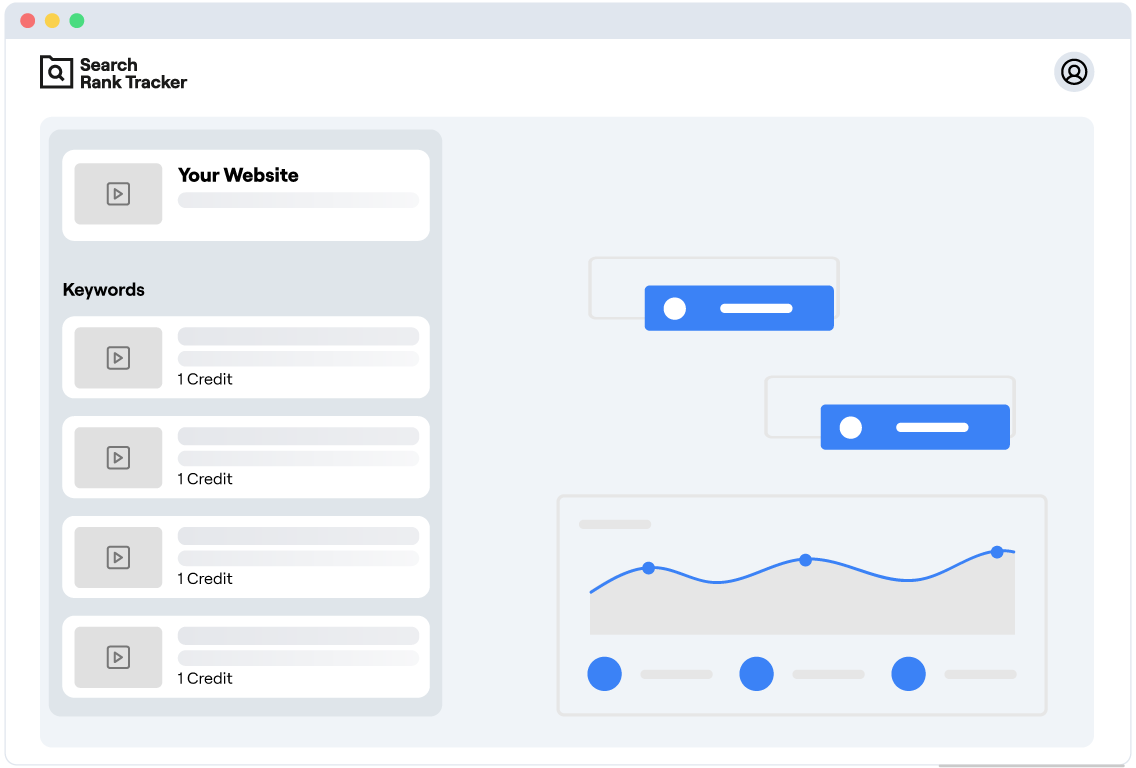
Fixed subscription plans often come with unnecessary ranking features. That's not all—they also lock users into long-term commitments, which can be a hurdle for creators experimenting with their content as they find their footing. That's why we offer a Pay-As-You-Go option—you only pay for what you use.
Find Out What's Working for Competitors and Do It Better
Competitor Video Tracking in a YouTube Rank Tracker allows you to monitor how your competitors' videos rank for specific keywords. Understanding your competitors' strategies helps you identify opportunities to outperform them. This enables you to benchmark your performance and uncover trends others might miss.
Track Your YouTube Rankings Region by Region
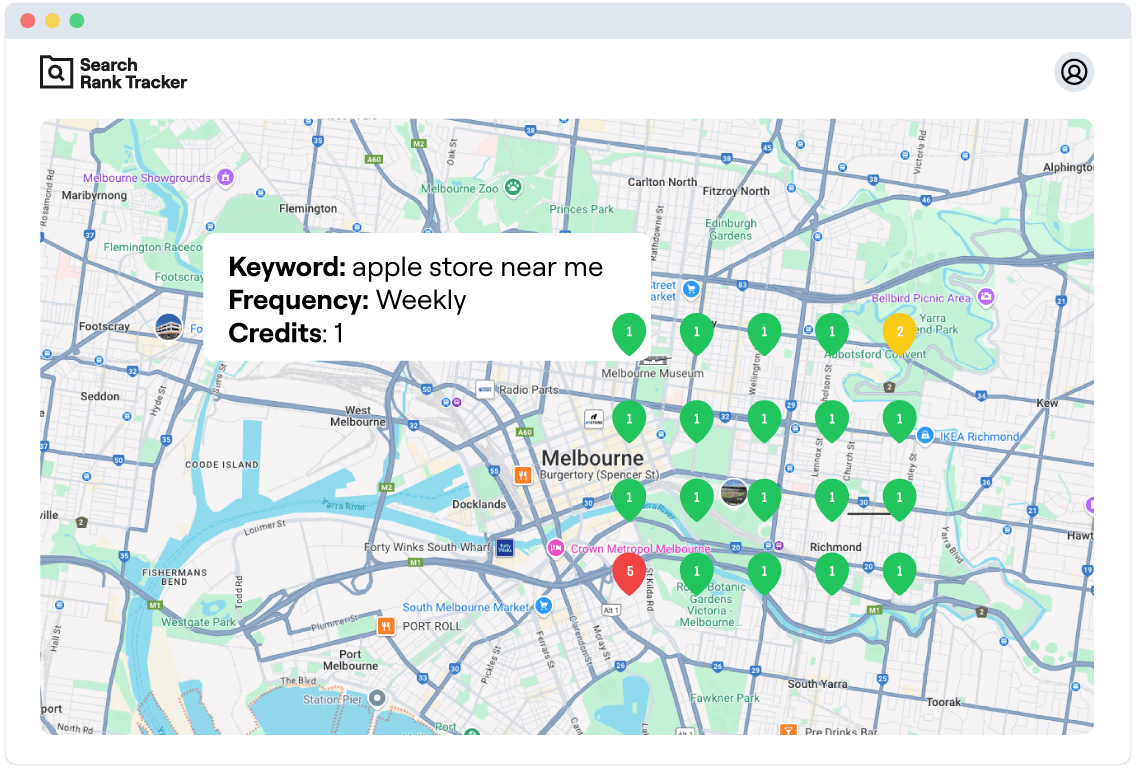
A lot of creators face the same issue: their content doesn't hit the mark in some locations. The issue? Without localized data, they miss the chance to engage with the right audience. This is where our tool comes in—it shows YouTube search rankings in the regions that matter the most to any creator.
Know Exactly How Your YouTube Videos Rank Everywhere
Track Rankings by Device and Keywords—Perfect for Any Creator
Did you know that ranking performance can vary significantly depending on the device? With our YouTube Rank Tracker, you can get device-specific and keyword-specific rankings to reach the right audience, regardless of how or from where they watch.
What Makes Videos Rank in YouTube Search
YouTube decides which videos to show for a search by weighing a handful of signals. Knowing them is half the battle — tracking your rankings is how you find out which ones you actually moved.
Watch time and retention
YouTube favors videos that keep viewers watching. A video that holds attention to the end tends to climb for its keyword, while one that loses viewers in the first thirty seconds tends to slide, no matter how well it is optimized.
Thumbnail and title click-through rate
If searchers see your video in the results but do not click it, YouTube reads that as a poor match. A stronger thumbnail or a clearer title can lift your click-through rate — and your position along with it.
Keywords in the title and description
YouTube still relies on your title, description, and tags to understand what the video is about. Using the exact phrase people search for, naturally, helps your video show up for it in the first place.
Engagement signals
Likes, comments, shares, and new subscribers after watching all tell YouTube a video is worth recommending. Videos that spark interaction generally outrank quiet ones on the same topic.
Here is the catch: when you change a title, redesign a thumbnail, or rewrite a description, YouTube never tells you whether it worked. A YouTube rank tracker does. Because your positions are recorded over time, you can line up each change against the ranking history and see exactly which edits moved a video up — and which ones to undo.
How to Track Your YouTube Rankings in 3 Easy Steps
Say you run a cooking channel and you have just uploaded a 15-minute video on weeknight pasta dishes. You want to know whether it actually shows up when someone searches "easy pasta recipes" — and whether it ranks the same in the US as it does in the UK, or on a phone versus a laptop. Here is how you would set that up.
Step 1: Add the Keywords Your Viewers Search For
Enter the phrases people would naturally type into YouTube to find your content. For the pasta video, that might be "easy pasta recipes," "quick weeknight dinner," and "creamy garlic pasta." Each keyword you track uses credits, so you can start with the handful that matter most and add more whenever you like.
Step 2: Choose the Location
YouTube search results are not the same everywhere. If your channel analytics show most of your viewers are in the US, Canada, and Australia, select those countries and the tracker will check your rankings in each one separately — so you know "easy pasta recipes" puts you at #4 in the US even if you sit at #12 in Australia.
Step 3: Track Rankings Across Devices
Finally, choose desktop or mobile and how often you want positions checked. Most cooking searches happen on phones in the kitchen, so mobile rankings probably matter more to this channel — but tracking both shows you the full picture. From then on, every check is recorded so you can watch your video climb (or catch it slipping) over time.
Video Rank Tracker for Google Too
YouTube search is not the only place your videos compete. Google shows video results for millions of searches — recipe walkthroughs, tutorials, reviews, how-tos — and a video that sits at #3 in YouTube search might not appear in Google's video results at all, or the other way around. If you only watch one of the two, you are missing half of your video traffic story.
That is why Search Rank Tracker works as a video rank tracker for both: track your positions in YouTube search and your rankings in Google from the same account, side by side. You can even run a quick spot check first with our free SERP rank checker to see where a page or video stands in Google right now, before you set up ongoing tracking.
Both run on the same pay-as-you-go credits — see pricing for how far your credits go — so there is no second subscription just to cover a second search engine.
YouTube Rank Tracker FAQ
Create a free account — you get 100 free credits and no card is needed — then add the keywords you want to check and pick a location and device. The tracker checks real YouTube search results for each keyword and shows your exact position, then records it over time so you can see how it moves.
Yes. YouTube adjusts search results by location, so the same video can rank #3 in one country and #15 in another. You choose which countries to track, and the tracker reports your position in each one separately.
You set the schedule when you create a tracker — daily or weekly checks. Each scheduled check uses credits per keyword, so you stay in control of what you spend, and every check is saved to your ranking history.
Yes. Track the keywords you care about and you can see which videos and channels rank for them, including the ones sitting above you. Watching how competitor videos move for the same keywords shows you what is working in your niche.
Start Climbing the Ranks and Reach More People With Your Videos
Now that you've got everything in place, it's time to turn your channel into the must-visit channel for your fans worldwide!
Start Free Trial